


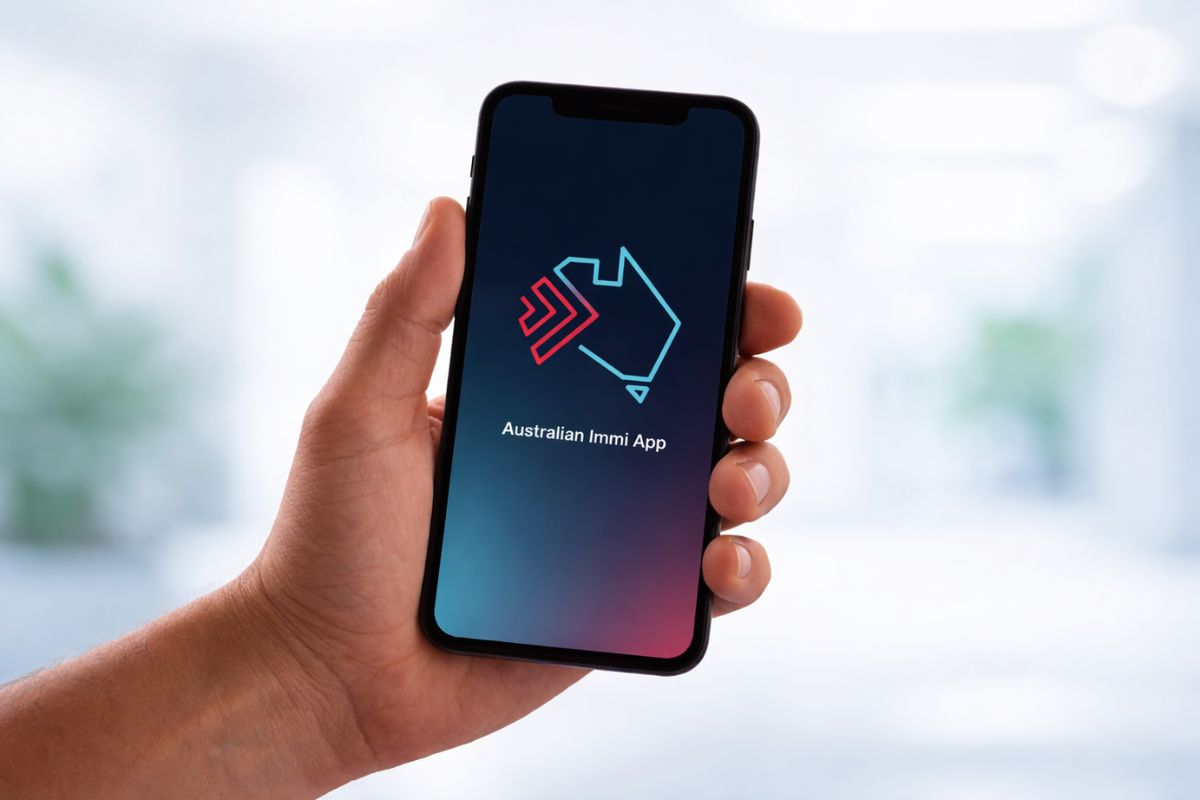
The Immi App from Australia now supports 47 nations, allowing qualified visa applicants to send in their facial biometrics and passport information through their smartphones without needing to go to a biometric center.
Australia is gradually transforming the method by which visa applicants provide their biometrics. Rather than attending a visa center, numerous travelers can now perform this task via their phones utilizing the Australian Immi App.
The Department of Home Affairs has broadened the app’s availability to 47 nations, incorporating 13 additional locations in the recent update. Officials state that the remaining countries in the biometric initiative are anticipated to be included by early 2026, facilitating a transition towards a comprehensive digital system.
What Exactly is the Australian Immi App?
The Australian Immi App is a complimentary mobile application introduced by the Department of Home Affairs to streamline visa applications that necessitate biometrics. Instead of scheduling an appointment at a biometric collection center, qualified applicants can now:
- Scan their passport
- Capture a selfie for facial biometrics
- Securely submit their identity information
- Finish the biometric step from the comfort of their home
The aim is straightforward: decrease paperwork, conserve time, and eliminate the necessity for physical visits.
The app was initially launched on October 2, 2024, for applicants located in Fiji, Samoa, Tonga, Papua New Guinea, and New Zealand. Since that time, Australia has progressively widened global access.
Expansion Timeline: From 5 Nations to 47 Nations
The deployment has occurred in stages:
- October 2024: App launched in 5 Pacific nations
- December 2025: Extended to 34 nations
- 2026 update: Access broadened to 47 nations
- Early 2026: Full availability is expected to encompass all biometric nations
This steady progression illustrates Australia’s transition towards a more digital-focused immigration system.
Complete List of 47 Nations Eligible for the Australian Immi App
- Albania
- Algeria
- Bahrain
- Bhutan
- Bosnia and Herzegovina
- Cambodia
- Colombia
- Egypt
- Ethiopia
- Eswatini
- Fiji
- France
- Ghana
- Greece
- Hong Kong
- Iran
- Iraq
- Jordan
- Kuwait
- Lebanon
- Lesotho
- Malaysia
- Mexico
- Nepal
- New Zealand (third-country nationals)
- Oman
- Pakistan
- Papua New Guinea
- Peru
- Philippines
- Qatar
- Samoa
- Saudi Arabia
- Singapore
- Solomon Islands
- Somalia (third-country nationals)
- South Africa
- South Korea
- Sri Lanka
- Thailand
- Tonga
- Türkiye
- Tuvalu
- Uganda
- United Arab Emirates
- Vanuatu
- Zimbabwe
Additional nations are anticipated to be incorporated shortly.
How Biometric Collection Functions via the Australian Immi App
The procedure is designed to be user-friendly and requires just a few moments.
Step 1: Enter Visa Lodgement Number (VLN)
Applicants input the VLN specified in the biometric request letter. This number frequently starts with AUI. The VLN can be entered in two methods:
- Scan the letter’s barcode
- Manually input the number
Each applicant, including family members, will possess a distinct VLN.
Step 2: Scan Passport Data Page and Chip
The app scans the page containing the passport photo and retrieves data from the electronic chip using NFC technology. Applicants must:
- Open the passport to the personal details page
- Position the phone over the passport
- Minimize glare or shadows
- Confirm the full page is clearly visible
If the passport has a chip, the phone reads the information by placing it on the passport cover. The app will notify once the scan is successful.
Step 3: Confirm Passport Details
Once scanning is complete, the passport details will display on the screen. Applicants must verify the information is accurate and corresponds with their passport. If any details are incorrect, the passport must be scanned again.
Step 4: Capture a Facial Biometric Photo
Applicants need to take a selfie following the guidelines presented on-screen. Helpful pointers include:
- Stand before a plain, light-colored wall
- Directly face the camera
- Keep eyes open and visible
- Remove glasses if feasible
- Avoid shadows on the facial area
- Ensure no other individuals are captured in the photo
The app will automatically take the picture once the face is appropriately positioned.
Step 5: Submit Identity Verification
After finishing all steps, the app securely transmits passport details and facial biometrics to the Department of Home Affairs.
The app does not retain personal information post-submission. Users may also opt for receiving email verification. Updates to ImmiAccount usually occur within 24 hours.
Primary Benefits for Travelers
The app eliminates one of the most time-intensive stages in the visa application process.
Significant advantages include:
- No requirement to visit biometric collection centers
- Accelerated processing of visa requests
- Complimentary to use
- Clear step-by-step guidance
- Secure identity validation
- Beneficial for travelers residing far from visa centers
For numerous applicants, this can result in savings on travel expenses and reduced wait times.
Who is Eligible to Use the Australian Immi App?
Currently, the app primarily caters to applicants who:
- Previously submitted biometrics at an Australian collection facility, or
- Have received a formal invitation to utilize the digital method
Eligibility might depend on the type of visa and the country of application.
What This Indicates for Future Australia Visa Applications
Australia is evidently progressing towards digital identity verification. Comparable systems have already been implemented in airport eGates and mobile passport control in various nations.
Following the completion of the global rollout, the majority of visa applicants may no longer need to physically visit biometric collection centers.
This could significantly expedite and alleviate the visa process for travelers, students, and skilled professionals alike.
Fonte: Travelo Biz
